Time clocks show 7:45, but payroll, invoices and spreadsheets need 7.75. Converting is simple once you know the rule, and getting it wrong is one of the most common payroll errors.
The rule: divide the minutes by 60
Keep the whole hours, then divide the minutes by 60 to get the decimal part.
- 7 hours 30 minutes → 30 ÷ 60 = 0.50 → 7.50
- 7 hours 45 minutes → 45 ÷ 60 = 0.75 → 7.75
- 8 hours 20 minutes → 20 ÷ 60 = 0.333 → 8.33
To go back, multiply the decimal part by 60: 6.4 hours is 6 hours and 0.4 × 60 = 24 minutes.
Quick chart
| Minutes | Decimal | Minutes | Decimal |
|---|---|---|---|
| 5 | 0.08 | 35 | 0.58 |
| 10 | 0.17 | 40 | 0.67 |
| 15 | 0.25 | 45 | 0.75 |
| 20 | 0.33 | 50 | 0.83 |
| 25 | 0.42 | 55 | 0.92 |
| 30 | 0.50 | 60 | 1.00 |
The hours calculator has a printable chart for every minute from 1 to 60.
The 7.30 mistake
7:30 (seven hours thirty minutes) is 7.50 hours. 7.30 decimal hours is only 7 hours 18 minutes. Typing a clock time into a decimal field silently cuts pay: across a 40-hour week of “x.30” days that is 1 hour of pay lost. Always check whether a box wants hours:minutes or decimal hours.
Working out pay
Convert first, then multiply. A week of 37 hours 45 minutes at $22 an hour is 37.75 × 22 = $830.50. Multiplying 37.45 × 22 instead would give $823.90, $6.60 short.
Rounding rules
Some employers round punch times to the nearest 5, 6 or 15 minutes. In the United States, rounding is allowed only if it is neutral over time, rounding both up and down, so employees are paid for all time actually worked. A common method is the 7-minute rule for quarter hours: 1 to 7 minutes rounds down, 8 to 14 minutes rounds up. Rounding that only ever goes in the employer’s favor is not allowed.
In a spreadsheet
Spreadsheets store time as a fraction of a day, so multiply by 24 to get decimal hours: if A2 holds 7:45, =A2*24 gives 7.75 (format the cell as a number). For hours between two times that cross midnight, use =MOD(B2-A2,1)*24.
Try it
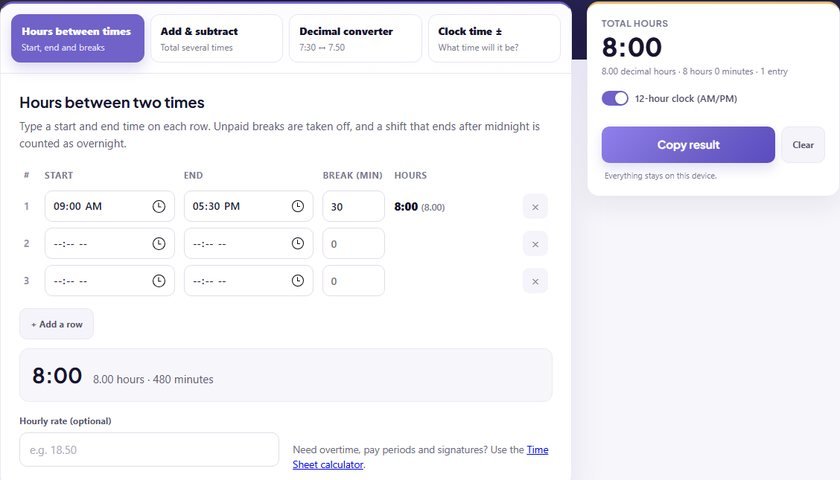
Type 7:45, 7h 45m or 465 minutes into the decimal hours converter and the other formats update as you type. To total a week of shifts, use hours between times.