Roster details
The title and period print at the top of the roster.
Staff
Everyone on this roster, in the order they print.
Shift types
Code, name, times and unpaid break. Leave the times blank for days off and leave.
Roster
Pick a shift below, then click or tap cells. With a mouse, drag across cells to fill several at once.
Shift roster FAQ
How do I make a rotating shift schedule?
Type the rotation as shift codes, for example M M A A N N O O for two mornings, two afternoons, two nights and two days off. Pick how many days later each person starts, then click Fill with pattern. Staggering by two days spreads the team across every shift.
How are the hours worked out?
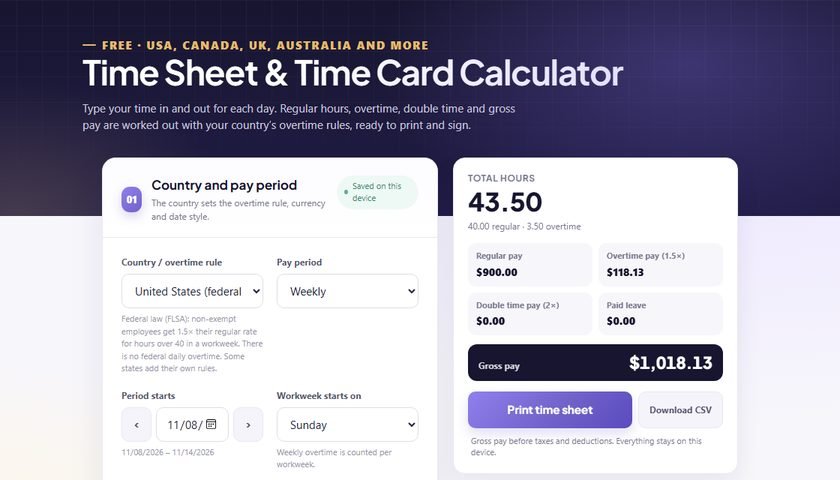
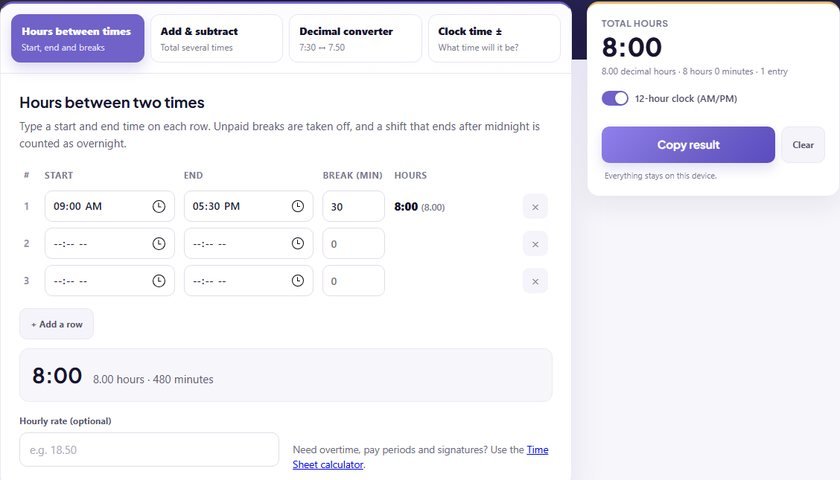
Each shift counts from its start to its end time, minus the unpaid break. A shift that ends after midnight, such as 22:00 to 06:00, counts as 8 hours less the break. Days off and leave have no hours.
What does the On duty row show?
It counts how many people work each shift on each day, so you can spot a day with no night cover or too many people on mornings.
Can I reuse last week’s roster?
Yes. Move to the next period with the › button and click Copy previous period. Every shift is copied across, and you can change the few that differ.
Why is there a warning about 48 hours?
Many countries limit average working time to about 48 hours a week, including the UK and EU under working time rules, and several Asian and Gulf countries. The warning is a reminder only; check the rules and overtime pay that apply to you.
Can I add the roster hours to a time sheet?
Yes. Planned hours are a schedule, not hours worked. Record the actual times in the time sheet calculator to work out overtime and pay.