Your business
Who is sending the invoice. Saved, so you only do this once.
Client and dates
Who you are billing and when payment is due.
Items, tax and payment
Products, services or hours. Amounts, tax and totals are computed.
Look
Design, color, paper and status. All optional.
Your invoices
Saved on this device when you start the next invoice. Open one to print it again or copy it.
Invoice FAQ
Is this invoice generator free?
Yes. Make, print and download as many invoices as you like, free and without signing up. Your business details, clients and invoices stay in your own browser on this device.
Which countries and currencies does it support?
Pick from presets for the United States, Canada, the UK, Ireland, Germany, France, the Netherlands, Australia, New Zealand, Singapore, the UAE, Saudi Arabia, India, the Philippines, Malaysia, Japan, South Africa, Nigeria, Kenya, Mexico and more, or choose any of 40 currencies. Each preset sets the currency, the usual tax name and rate, the tax-ID label, the paper size and the date style.
How do I add VAT, GST or sales tax?
Choose “Add tax on top” or “Prices include tax”, then set the tax name and rate. A second tax is available for places that charge two, such as GST and PST in Canada. The country presets use the standard rate; check the rate that applies to what you sell.
What is the difference between an invoice and a receipt?
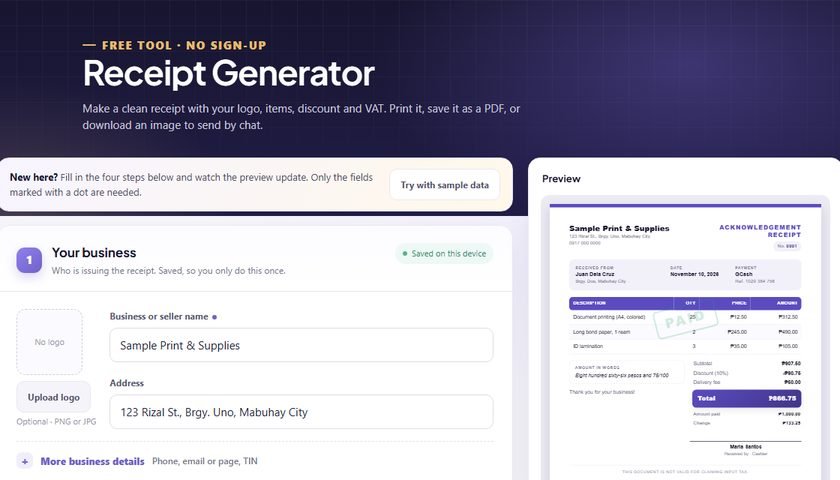
An invoice asks a client to pay, with a due date and payment instructions. A receipt confirms that payment was received. Use the Receipt Generator once you have been paid.
How do I invoice hours worked?
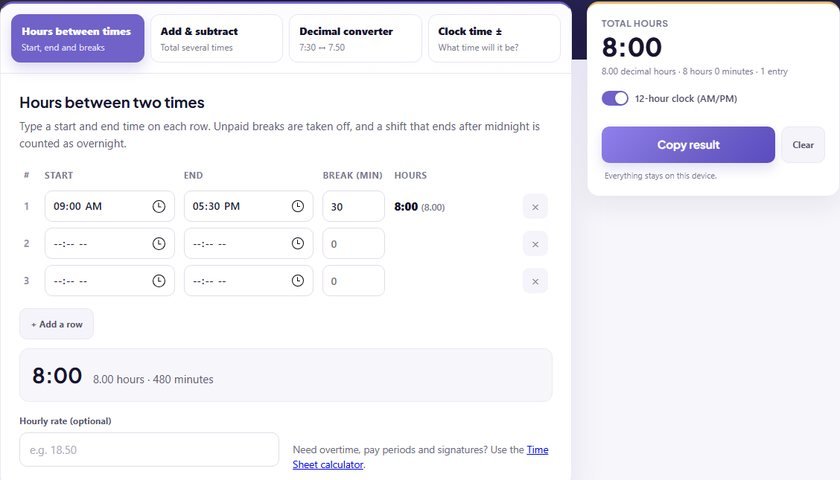
Put the number of hours in the Qty / hrs column and your hourly rate as the unit price. You can total your hours first with the Time Sheet calculator.
Can I send it to my client?
Use Print / Save PDF and choose “Save as PDF”, or Download image, then attach the file to an email or chat. Nothing is sent from this page.